# Electrical 2024 Meeting notes

## <span style="color: rgb(53, 152, 219);">11/15/23</span>

### <span style="color: rgb(45, 194, 107);">Meeting goals</span>

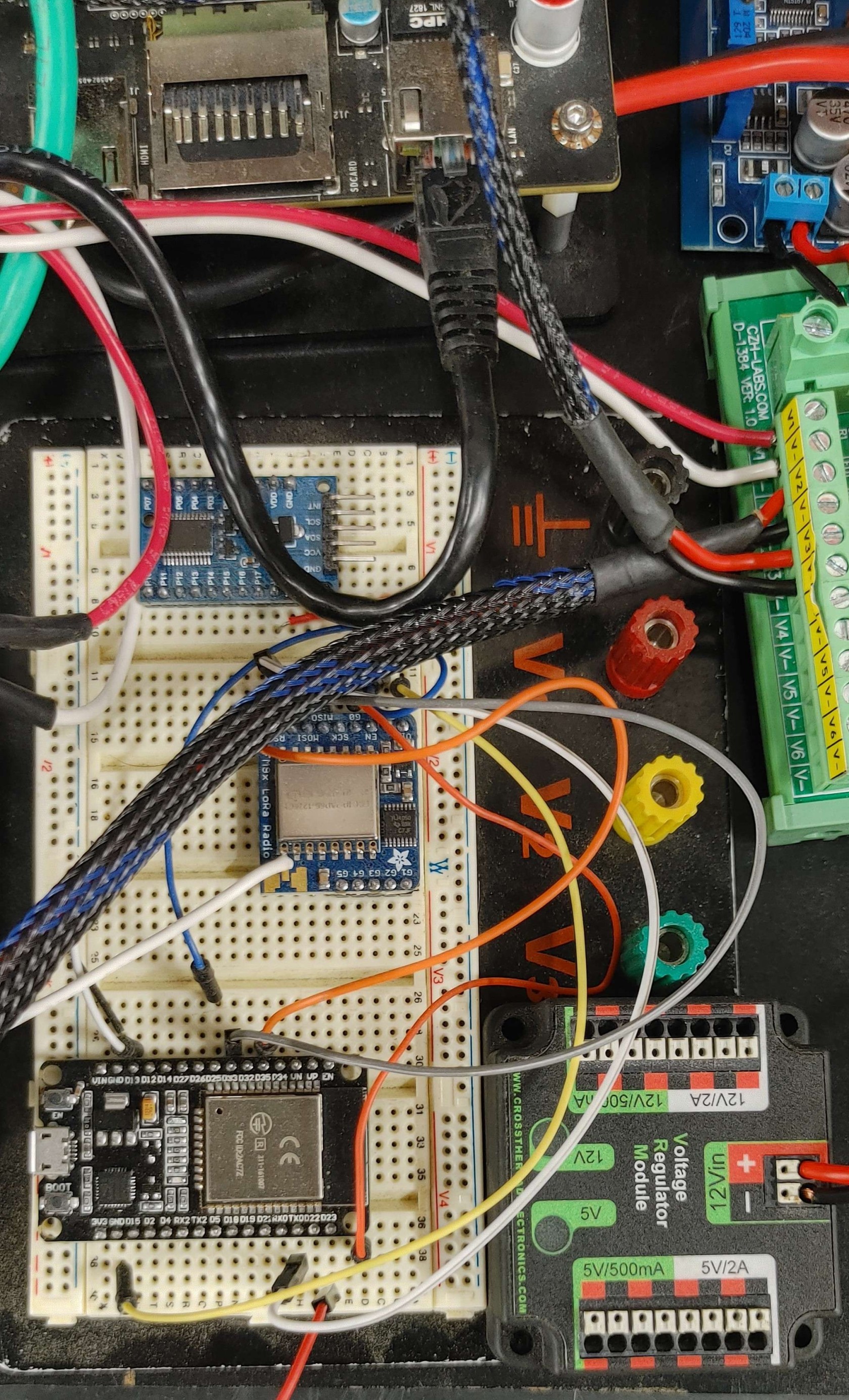
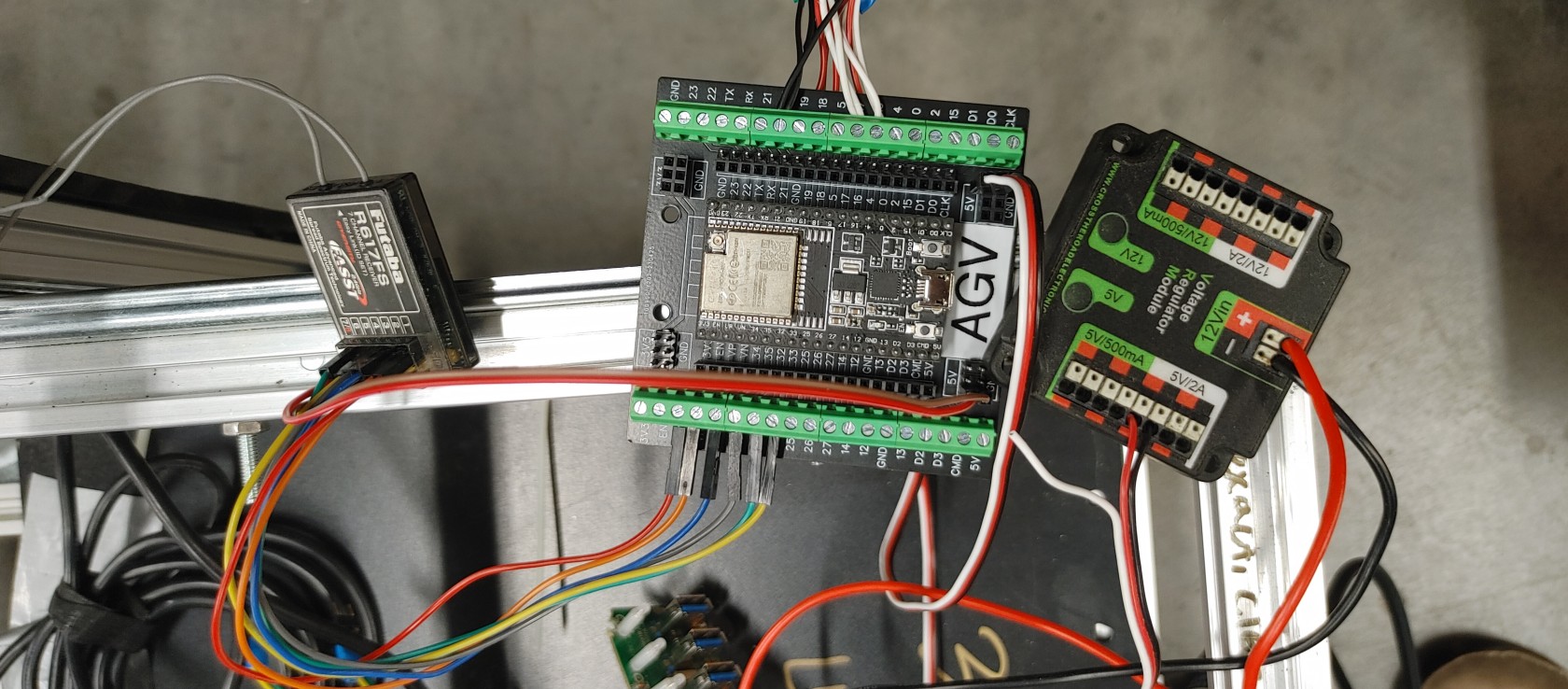
- Cleanup wiring on the robot
- Add Logic Level Shifter Schematic to the main schematic

### <span style="color: rgb(45, 194, 107);">Meeting Notes</span>

We added the logic level shifter high voltage selector circuit. This circuit consists of 4 pin headers with 3 of the pins in line and a fourth pin in parallel with pin 2. This will allow us to select the output voltage of the circuits using a jumper between pin two and any of the other 3 pins.

#### <span style="color: rgb(185, 106, 217);">What was completed?</span>

- Made logic level shifter High Voltage selector circuit

#### <span style="color: rgb(185, 106, 217);">What is in progress?</span>

#### <span style="color: rgb(185, 106, 217);">What is the goal for the next meeting?</span>

<details id="bkmrk-images-%C2%A0"><summary>Pictures</summary>

</details>
## <span style="color: rgb(53, 152, 219);">11/8/23</span>

### <span style="color: rgb(45, 194, 107);">Meeting goals</span>

- Cleanup wiring on the robot
- Add Logic Level Shifter Schematic to the main schematic

### <span style="color: rgb(45, 194, 107);">Meeting Notes</span>

#### <span style="color: rgb(185, 106, 217);">What was completed?</span>

- Add Logic Level Shifter Schematic to the main schematic

#### <span style="color: rgb(185, 106, 217);">What is in progress?</span>

- Cleanup wiring on the robot
- Add Logic Level Shifter Schematic to the main schematic

#### <span style="color: rgb(185, 106, 217);">What is the goal for the next meeting?  
</span>

- Cleanup wiring on the robot
- Add Logic Level Shifter Schematic to the main schematic

<details id="bkmrk-pictures-%C2%A0"><summary>Pictures</summary>

</details>
## <span style="color: rgb(53, 152, 219);">11/1/23</span>  


### <span style="color: rgb(45, 194, 107);">Meeting goals</span>

- Cleanup wiring on the robot
- Work to switch breadboard for breakout board
- [Logic Level Shifter Schematic](https://cdn.sparkfun.com/assets/f/3/3/4/4/526842ae757b7f1b128b456f.png)

### <span style="color: rgb(45, 194, 107);">Meeting Notes</span>

#### <span style="color: rgb(185, 106, 217);">What was completed?</span>

- USB hub power
- Decision-making for relays to cut PWM signal
- Updated PCB design to use 9-pin data connections

#### <span style="color: rgb(185, 106, 217);">What is in progress?</span>

- Cleanup wiring on the robot
- 

#### <span style="color: rgb(185, 106, 217);">What is the goal for the next meeting?  
</span>

- Cleanup wiring on the robot
- add Logic Level Shifter Schematic to the main schematic

<details id="bkmrk-images"><summary>Images</summary>

[![0412230055c_HDR.jpg](https://secretlibrary.rccf.club/uploads/images/gallery/2023-11/scaled-1680-/Rk9cJekUcZVsuk0S-0412230055c-hdr.jpg)](https://secretlibrary.rccf.club/uploads/images/gallery/2023-11/Rk9cJekUcZVsuk0S-0412230055c-hdr.jpg)[![1101232152a.jpg](https://secretlibrary.rccf.club/uploads/images/gallery/2023-11/scaled-1680-/gOaEPHwZ8yLggvHD-1101232152a.jpg)](https://secretlibrary.rccf.club/uploads/images/gallery/2023-11/gOaEPHwZ8yLggvHD-1101232152a.jpg)
<div drawio-diagram="58"><img src="https://secretlibrary.rccf.club/uploads/images/drawio/2023-11/TfQOotECe2IkB4To-drawing-4-1698887903.png" alt=""/></div>

</details>## <span style="color: rgb(53, 152, 219);">1/22/24</span>  


### <span style="color: rgb(45, 194, 107);">Meeting goals</span>

- Determine and delegate tasks for the semester
- Introduce all new members to Fusion360 and planka.

### <span style="color: rgb(45, 194, 107);">Meeting Notes</span>

#### <span style="color: rgb(185, 106, 217);">What was completed?</span>

- Introducing everyone to software

#### <span style="color: rgb(185, 106, 217);">What is in progress?</span>

- Dividing of components into new pages on Fusion360

#### <span style="color: rgb(185, 106, 217);">What is the goal for the next meeting?  
</span>

- Delegate tasks out to everyone so we can begin work.

<details id="bkmrk-pictures-%C2%A0-1"><summary>Pictures</summary>

</details>