# Verifying Connection to Spot
### Verifying Connection:
1. Make sure Tape Measure and your device are on the same network.
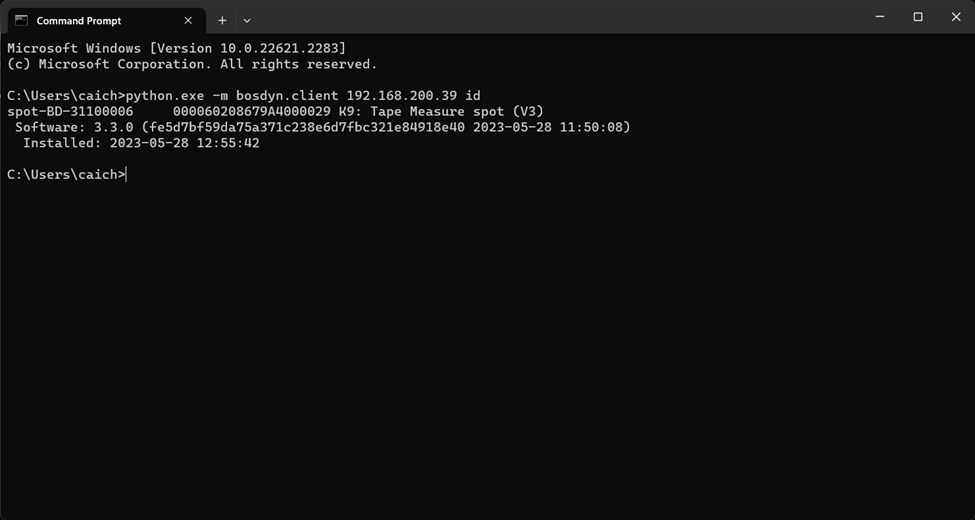
2. Ping Spot by opening command prompt and paste:
#### Windows 10/11:
```bash
python.exe -m bosdyn.client SPOT-IP id # Replace SPOT-IP with the network address given to it
```
#### For Mac & Ubuntu users:
```bash
python3 -m bosdyn.client SPOT-IP id # Replace SPOT-IP with the network address given to it
```
This should return Tape Measure's name and ID.
\*Should look something like this: